OG image generator for link previews that pop
Make the 1200×630 share image that decides whether your link gets clicked — in seconds.
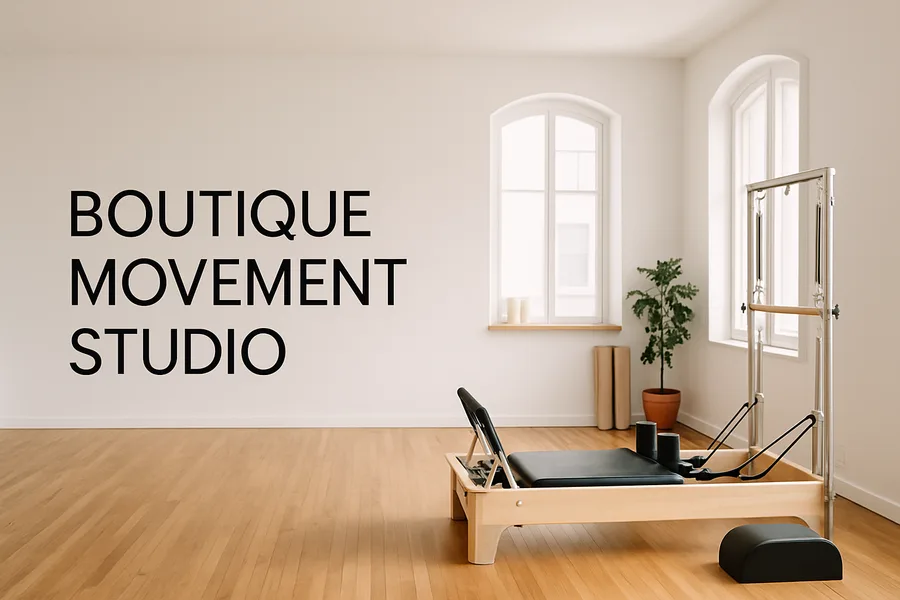
When you share a link, the Open Graph (OG) image is the big preview that appears on Facebook, X, LinkedIn, Slack, and iMessage — and a missing or wrong-sized one makes your page look broken or forgettable. The Free AI Photos OG image generator produces share images at the exact 1200×630 (1.91:1) spec, with a strong focal subject and room for a short title, so your links look intentional everywhere they get posted.
It is built to match the page it represents. Generate your OG image from the same description as your hero and brand, and the preview feels like a natural extension of your site rather than a generic placeholder. Have a lot of pages — blog posts, product pages, landing pages? Generate a consistent OG image for each so your whole link footprint looks polished.
For founders, marketers, and developers shipping pages, it closes a detail that is easy to forget but visible to everyone. Preview directions for free, regenerate until the framing is right, and download the high-resolution, royalty-free file to drop into your `og:image` meta tag.
Why creators use this
- OG images at the exact 1200×630 (1.91:1) share spec
- Strong focal subject with room for a short title
- Looks right on Facebook, X, LinkedIn, Slack, and iMessage
- Matches your hero and brand from one description
- Generate consistent previews across many pages
- Preview free; download hi-res, watermark-free on Pro
Three steps, under a minute
Describe the page
Tell us what the page or post is about and the look you want.
Generate the OG image
Get a 1200×630 share image with a clear subject and space for a title.
Add the meta tag
Preview free, download hi-res on Pro, and set it as your og:image.
Frequently asked questions
Is the OG image generator free?
You can describe a page and preview OG images for free every day, no card needed. Free previews are watermarked and lower-resolution; Pro unlocks watermark-free hi-res downloads and starts with a 7-day free trial.
What size should an OG image be?
The recommended Open Graph image size is 1200×630 (a 1.91:1 ratio), which we deliver by default. That size displays cleanly as the large link preview on Facebook, X, LinkedIn, Slack, and iMessage.
Can I use OG images on commercial sites?
Yes. They are royalty-free for commercial use, so you can use them across business sites, blogs, and client projects with no attribution or per-image fee.
How do I add the image to my site?
Download the file and reference it in your page’s og:image meta tag (and twitter:image for X). Most CMS and site builders have a social-image field where you upload it directly.
Can I make a different OG image for each page?
Yes. Generate a consistent share image per page or post so every link you share looks polished and on-brand.
Do I need an account to try it?
No. Preview without signing up; create an account only for hi-res downloads or to save work.
Related ways to use Free AI Photos
Make free OG image generator now.
Describe what you need and preview every image free — no card required. Download print-ready hi-res whenever you are ready.
- Free to preview, every time
- 7-day Pro trial — cancel anytime
- You own every image you create